- 1Why this isn't about screen time fear
- 2Why AI literacy matters now
- 3Age-appropriate AI education
- 4Hands-on AI activities families can do together
- 5Media literacy: evaluating sources and recognizing manipulation
- 6Digital citizenship: online safety, privacy, and your digital footprint
- 7AI as a creative tool
- 8The parent advantage in digital literacy
- 9Getting started this week
- 10Frequently asked questions
Your kids are going to use AI. The question isn't whether. It's how. Will they use it passively, letting it think for them? Or actively, as a powerful tool that amplifies their own thinking? That's what digital literacy education is really about.
This guide covers everything from explaining AI basics to a 6-year-old, to hands-on AI activities your family can do together, to the broader digital literacy skills every child needs: media evaluation, online safety, and the creative potential of digital tools. No tech background required.
Why this isn't about screen time fear
Let's get this out of the way first: this guide is not about limiting screen time or being afraid of technology. Fear-based approaches to digital education don't work. They make technology feel forbidden (which makes it more appealing) and they leave kids without the skills to navigate the digital world when they inevitably enter it.
The goal isn't less technology. It's better technology use. A child who spends an hour coding a game is having a completely different experience from a child who spends an hour passively scrolling. A child who uses AI to brainstorm ideas for a story and then writes the story themselves is learning something fundamentally different from a child who asks AI to write the story for them.
Families who are intentional about how their kids learn are uniquely positioned here. If you already think critically about education, you can apply that same lens to technology. The openness to unconventional approaches, combined with intentionality, is exactly what digital literacy requires.
Why AI literacy matters now
AI is already in your child's world: in search results, social media feeds, voice assistants, recommendation algorithms, image generators, and chatbots. Kids who understand how these systems work make better decisions about what to trust, what to question, and how to use these tools effectively. This isn't about fear. It's about empowerment.
Consider what your child will face in the next decade: job applications screened by AI, news feeds curated by algorithms, deepfake videos that look completely real, and AI tools that can generate convincing text, images, and code. A child who doesn't understand how these systems work is at a serious disadvantage, not because they'll be replaced by AI, but because they won't know how to work alongside it.
Our comprehensive guide on AI for kids in 2026 breaks down the current landscape and what families need to know right now. Things are moving fast, and the families who start these conversations early are giving their kids a genuine advantage.
Age-appropriate AI education
You don't need to be a programmer to teach AI literacy. You just need to be curious and willing to explore alongside your child. Here's what works at different developmental stages.
Ages 5-7: noticing the patterns
At this age, the goal is simple awareness: some things are made by people, and some things are suggested by computers. When a video starts auto-playing on a tablet, ask: "Why do you think it picked that one?" When a voice assistant answers a question, ask: "How do you think it knew that?" You're not looking for technical answers; you're planting the seed that there's a system behind the screen making decisions.
Games are powerful here. Play "robot vs. human": have your child give you exact instructions to make a sandwich (like programming a robot), and follow them literally. If they say "put peanut butter on bread" without saying to open the jar first, the "robot" is stuck. This teaches the fundamental concept of AI: computers follow instructions, and the instructions have to be very specific.
Ages 8-10: understanding how AI learns
Kids this age can grasp the concept that AI learns from patterns in data, like a child who's read a thousand books can guess what kind of story comes next, but can't actually understand the story the way a human reader does. They can start to understand bias: if an AI only learned from pictures of golden retrievers, it might not recognize a poodle as a dog.
This is a great age for hands-on AI experiments. Use an AI image generator together and notice what it gets right and wrong. Ask a chatbot questions about a topic your child knows well and evaluate the answers. Sort a collection of objects and talk about how a computer might sort them differently. These activities build critical evaluation skills that transfer far beyond AI.
Ages 11-13: critical evaluation and creative use
Preteens are ready for deeper questions: Who made this AI? What data did it train on? Whose perspectives might be missing? What happens when AI makes a mistake? They can also start using AI tools creatively and learning to evaluate the output. Writing a story with AI assistance and then heavily editing the result teaches more about writing than most worksheets, because the editing requires judgment about what sounds right, what's original, and what's worth keeping.
Ages 14+: ethical reasoning and advanced use
Older teens can engage with the ethical dimensions: AI in hiring, AI in justice systems, AI and privacy, AI-generated misinformation. They can also become sophisticated users, learning prompt engineering, understanding model limitations, and using AI as a genuine tool for research, creation, and problem-solving. The goal at this age is to develop a nuanced perspective: AI is powerful AND limited, useful AND potentially harmful, a tool that amplifies both good and bad intentions.
In the Membership
AI Basics: Myths, Facts & Smart Rules
STEM technology activity for kids ages 9-14: what AI really is, common myths vs facts, and smart rules for responsible use at home.
Hands-on AI activities families can do together
The best AI education is experiential, not theoretical. Here are activities that teach AI concepts through doing, not lecturing.
- The AI taste test: Have your child write a short paragraph about their day. Then ask an AI to write one about a child's day. Read both aloud without revealing which is which. Can family members tell the difference? Discuss what makes human writing feel different.
- Bias detective: Ask an AI image generator to create pictures of "a doctor," "a scientist," "a nurse," and "a teacher." Notice patterns in who gets depicted. Talk about where those patterns come from and why they matter.
- Fact-check challenge: Ask an AI chatbot five questions about a topic your child is studying. Research each answer independently. Score the AI: was it right? Partially right? Completely wrong? This builds both AI literacy and research skills.
- AI art critic: Generate several AI images on the same topic with different prompts. Discuss what makes some prompts produce better results. This teaches prompt engineering while developing visual literacy and critical thinking.
- The prediction game: Before searching for something online, predict what the top results will be and why. Then search and compare. This teaches how search algorithms work and why results aren't neutral.
Never use AI to replace thinking; use it to extend thinking. If your child asks AI to write their book report, that's replacement. If they write the report themselves and then ask AI "What did I miss?" or "Can you argue the opposite point?", that's extension. Teaching this distinction early is one of the most valuable things you can do.
Media literacy: evaluating sources and recognizing manipulation
AI literacy is part of a broader skill set: media literacy. In a world of deepfakes, AI-generated text, clickbait, and algorithmic curation, the ability to evaluate information critically isn't optional; it's essential.
Teach your child to ask four questions about any piece of content they encounter online: Who made this? (Source) Why did they make it? (Purpose: to inform, persuade, sell, or entertain) What evidence supports it? (Verification) Who might disagree, and why? (Perspective)
Practice these questions together regularly: when reading news articles, watching YouTube videos, scrolling social media, or encountering ads. The goal isn't to make your child suspicious of everything. It's to make them thoughtful consumers of information who ask good questions before accepting claims.
Spotting AI-generated content
This is a moving target. AI-generated content is getting better fast. But there are still tells: AI images often have odd details in hands, text, or backgrounds. AI text tends to be fluent but generic, with a particular style of hedging and qualification. AI videos may have unnatural movements or inconsistent lighting. Teaching your child to look for these artifacts is valuable today, even though the tells will change over time. What won't change is the habit of looking critically at content instead of accepting it at face value.
In the Membership
Deepfake & Manipulation Spotter
Media literacy for kids ages 9-14: spot deepfakes and manipulated content. Essential digital literacy for the AI age.
Digital citizenship: online safety, privacy, and your digital footprint
Digital citizenship is the social-emotional side of digital literacy. It covers how to behave online, how to protect yourself, and how to understand the long-term consequences of your digital actions.
Online safety basics
Every child needs to understand: never share personal information (full name, address, school, phone number) with strangers online. Not everyone online is who they claim to be. If something feels wrong, tell a trusted adult; you won't get in trouble. Screenshots are permanent, even if messages "disappear." These aren't one-time lectures. They're ongoing conversations that evolve as your child's online world expands.
Privacy and data awareness
Most kids don't realize that "free" apps and services collect their data, including browsing habits, location, contacts, and preferences, and use it for advertising or sell it to third parties. Teaching kids that they are the product, not the customer, of most free digital services is a crucial insight. It doesn't mean they can't use these services. It means they use them with awareness.
Digital footprint
Everything posted online is potentially permanent. A comment made at 13 can surface at 23. A photo shared privately can be screenshot and shared publicly. This isn't about scaring kids; it's about developing judgment. Before posting anything, ask: "Would I be comfortable if my grandmother saw this? My future employer? A stranger?" This simple filter prevents most regrettable digital decisions.
AI as a creative tool
Here's the part most people miss in the AI conversation: AI is an incredible creative tool when used well. It can help kids brainstorm story ideas, generate images for their projects, compose music, create animations, and explore "what if" scenarios that would be impossible otherwise.
The key is using AI as a collaborator, not a replacement. When a child uses an AI image generator to create illustrations for a story they wrote themselves, that's creative empowerment. When they use a chatbot to brainstorm solutions to a design challenge and then build the best one with their own hands, that's enhanced problem-solving. When they generate AI music as a soundtrack for a video they filmed and edited, that's multimedia creation.
Our guide on kids making videos as a learning tool includes sections on how AI tools can enhance the creative process without replacing the learning. The children who thrive in the coming decades won't be the ones who avoid AI. They'll be the ones who know how to direct it toward meaningful creative work.
The parent advantage in digital literacy
The families who do this best have one thing in common, and it is not fancy devices or strict rules. It is a parent who is present during digital experiences. That is the advantage.
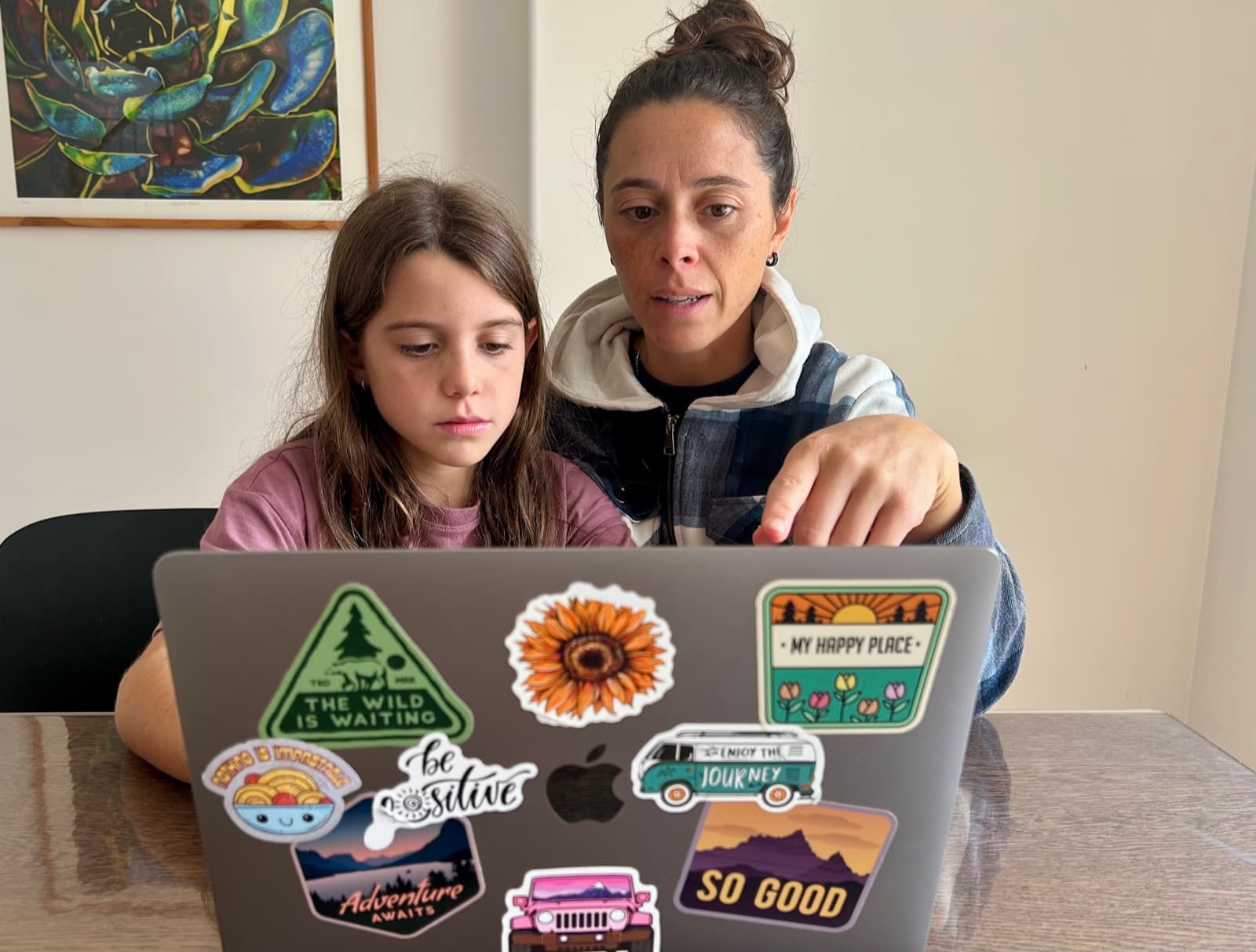
Most kids encounter technology in two modes: supervised at school and unsupervised at home. The gap between those two experiences is massive. The real learning happens when a parent is nearby during digital experiences, having real-time conversations about what their child is seeing, creating, and encountering. That can happen whether your kids are homeschooled, in school, or anything in between. It just requires being present and intentional about screen time.
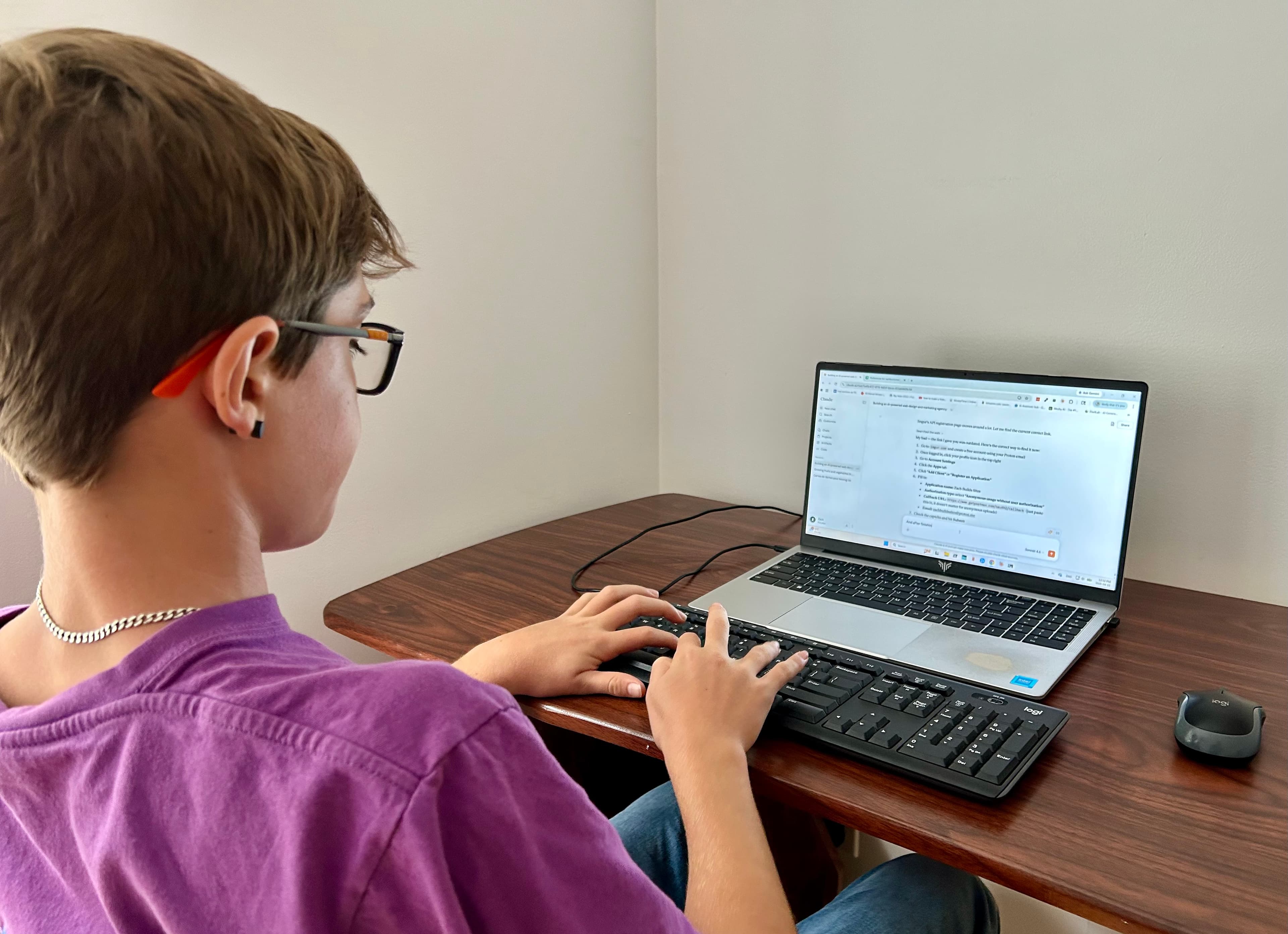
That proximity is powerful. When you're sitting next to your child as they use a search engine, you can ask: "Why do you think that result came up first?" When they encounter a suspicious website, you can explore it together instead of relying on a filter to catch it. When they use an AI tool, you can discuss the output together. This kind of guided, real-time digital learning is something most schools simply can't provide.
Families who treat technology as a creation tool, not just an entertainment device, send a powerful message about what technology is for. A morning or afternoon spent coding a game or editing a video is legitimate learning, and treating it that way changes how your child relates to screens entirely.
The families who raise digitally literate kids aren't the ones who restrict technology the most. They're the ones who engage with it the most, alongside their children, with curiosity and conversation.
Getting started this week
You don't need a curriculum or a tech background. Start with conversations and hands-on exploration.
Want ready-to-use activities? Browse our free printable AI and digital literacy checklists for kids.
- 1Pick one AI tool to explore together this week (a chatbot, an image generator, or a voice assistant)
- 2Try the "fact-check challenge": ask the AI five questions your child knows the answers to and evaluate together
- 3Have a conversation about one piece of content your child encountered online. Ask: Who made this? Why? Is it true?
- 4Let your child use a digital tool to create something: a video, a drawing, a song, a story. Focus on creation over consumption
- 5Talk about one thing that surprised you both. AI literacy is a journey you take together, not a destination you arrive at alone